DAILY CHECKLISTS
How-To Print Paper Claims
- Open Front Desk
- Billing/Statement Reports
- Select Case Type: Auto
- Set Alerts: Auto
- Select the Date to generate claims up till.
- Select Preview
- Ensure All Data is Verified
- Save a PDF copy of the claims by
printing to PDF.
- save under Dropbox "/documents/MyScansnap/2016/HCFAs"
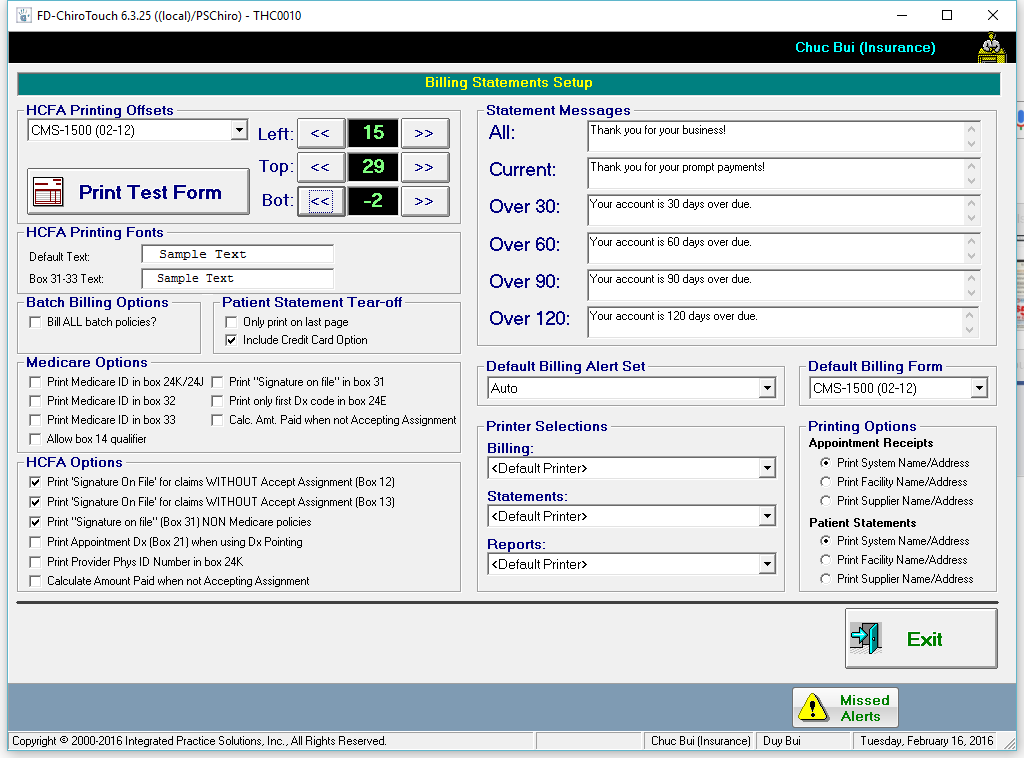
- Select Printer
- Canon MF4800 Seres UFRII LT(I)
- Select Preferences
- Set 1-Side Printing
- Print Claims!
- Check if claims printed out OK
- Select Continue
- Select YES to mark claims as Billed